Connect your Shopify store
Open Account → Profile → Integrations in Cloaq.ai and connect your store through Shopify. Your store is ready as an export destination.
Connection guide
Shopify integration · Edit. Match. Export.
Your products are already real. Your images should be, too. Cloaq.ai improves the photos you actually shot, on your machine, in minutes, then sends finished images directly from your browser to the right Shopify products.

From shoot to Shopify
You shouldn’t have to generate a substitute product shot or send your original images away for next-day editing. Finish the imagery you own, choose where it belongs, and publish through your existing Shopify workflow. Edit today. Publish today.
Open Account → Profile → Integrations in Cloaq.ai and connect your store through Shopify. Your store is ready as an export destination.
Connection guideMatch automatically using image filenames or folder names and product titles or SKUs. Review the matches, assign products or variants manually, and choose featured images.
Matching guideChoose Shopify under Export → Send to. Add new photos or replace existing product images, with your chosen size, format and quality.
Export guideBuilt for real eCommerce production
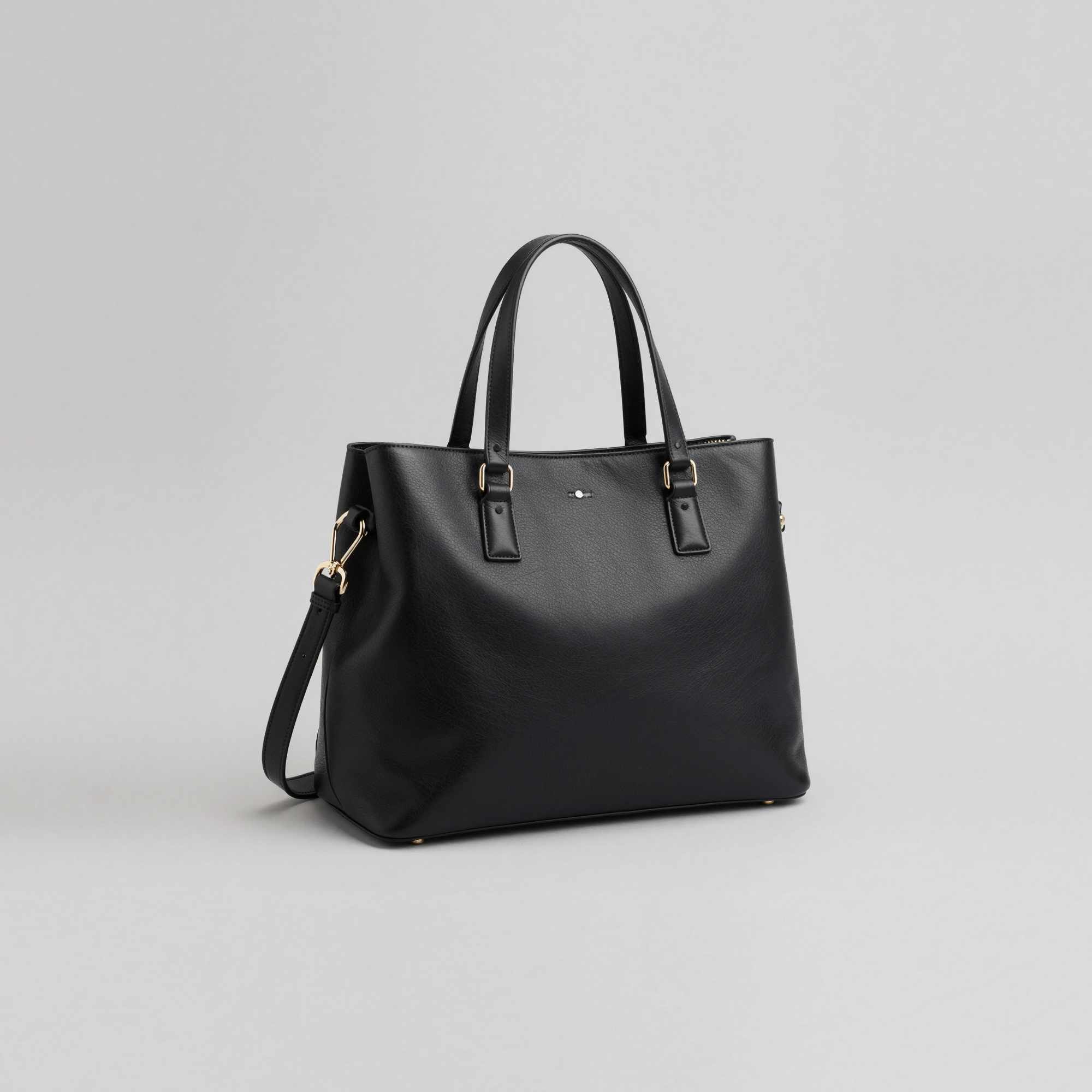
Generative AI can imagine what a bag or bottle might look like. Commerce needs the actual bag or bottle you sell. Cloaq.ai helps retouch, clean, crop and standardize your real images, keeping your product recognizable and your catalog consistent.
Complete the work locally before directing finished images to Shopify. No inventing products. No outsourcing the edit. No waiting for tomorrow.
Use titles or SKUs, manage assignments in bulk, and target product variants when needed.
Choose Add to append new imagery, or Replace to update the product’s current images. Previously replaced images remain in Shopify Files.
Set output size, format and quality. Unmatched exports go to Shopify Files instead of being attached to an unrelated product.
Private by architecture
Your editing happens locally in Cloaq.ai. When you decide to export to Shopify, the finished images are transferred directly from your browser to Shopify. They do not pass through Cloaq.ai’s servers.
How the connection worksThe same-day storefront workflow
Take the photos you already have. Make them better in minutes. Match them to the right products. Get them into Shopify today, without waiting for tomorrow.